Take photos of defects.
Structra makes the report.
Walk the unit room by room. You get a PDF to send. For apartments, villas and offices in the UAE.
iPhone. Free on the App Store.
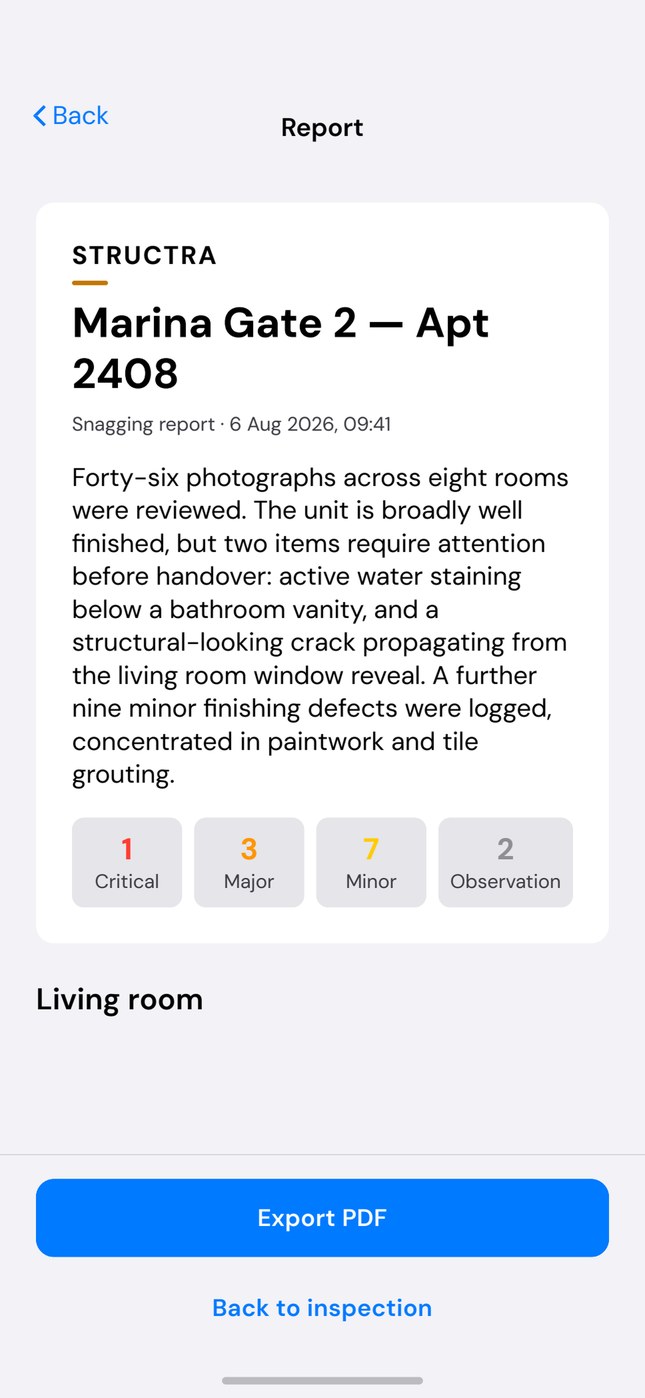
Export as PDF
Walk the unit room by room. You get a PDF to send. For apartments, villas and offices in the UAE.
iPhone. Free on the App Store.
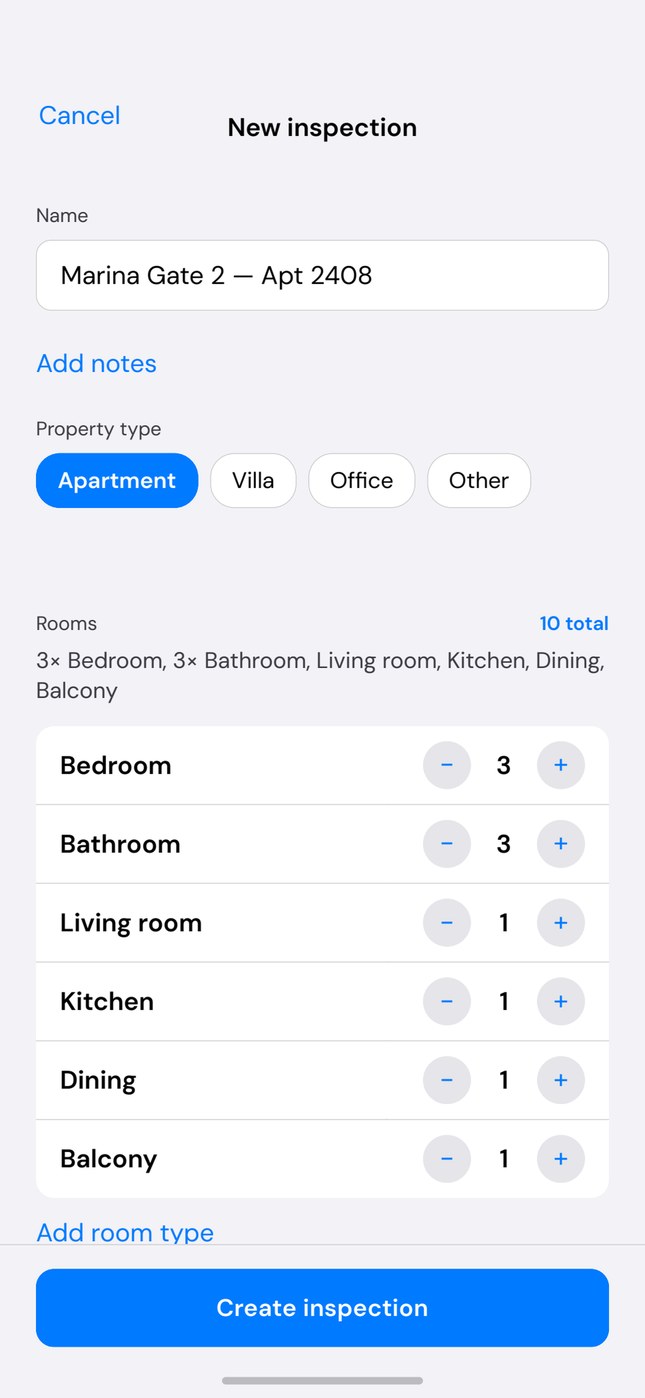
Name the inspection. Choose apartment, villa or office. Set how many of each room. Structra names them for you — Bedroom 1, Bathroom 1.
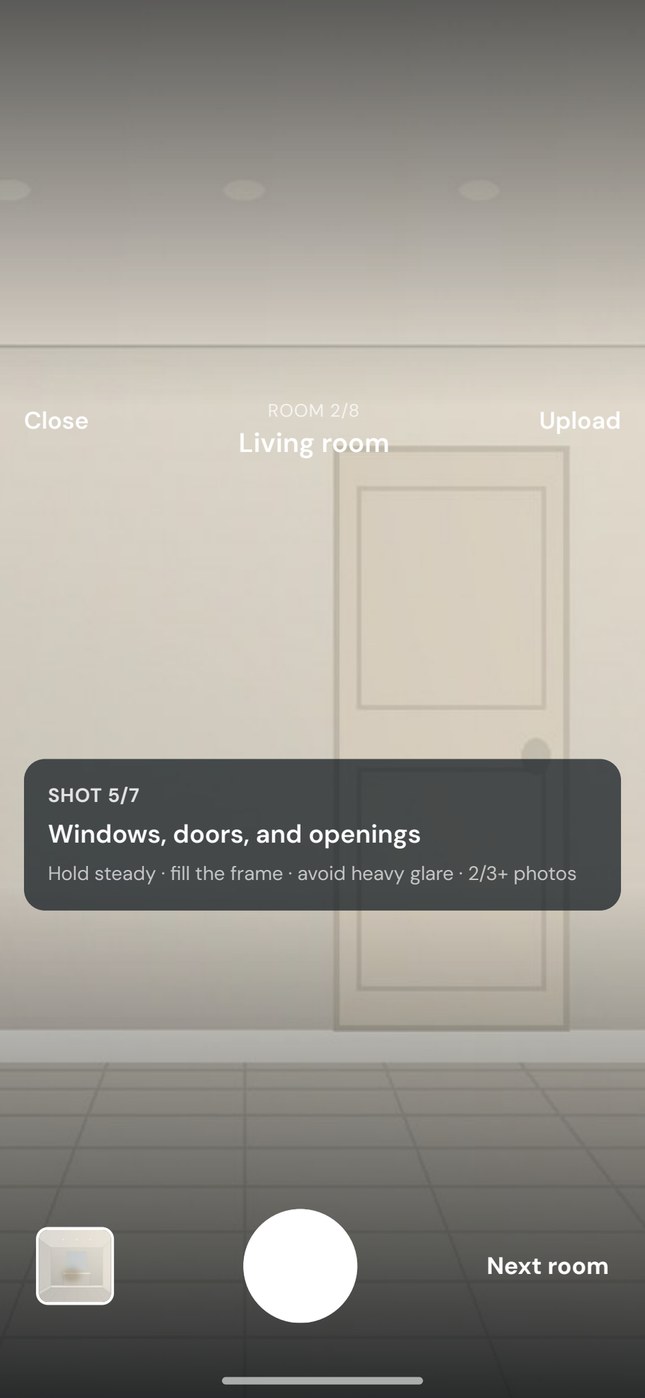
Each room has a seven-shot list: overview, ceiling, walls, floor, windows and doors, fittings, then close-ups of defects. Shoot in the app or pick from your library. Dark or small photos get flagged before you leave.
Check the shots, then generate. You get a summary, severity counts, and each finding with a box on the photo and what to fix. Export the PDF and send it.
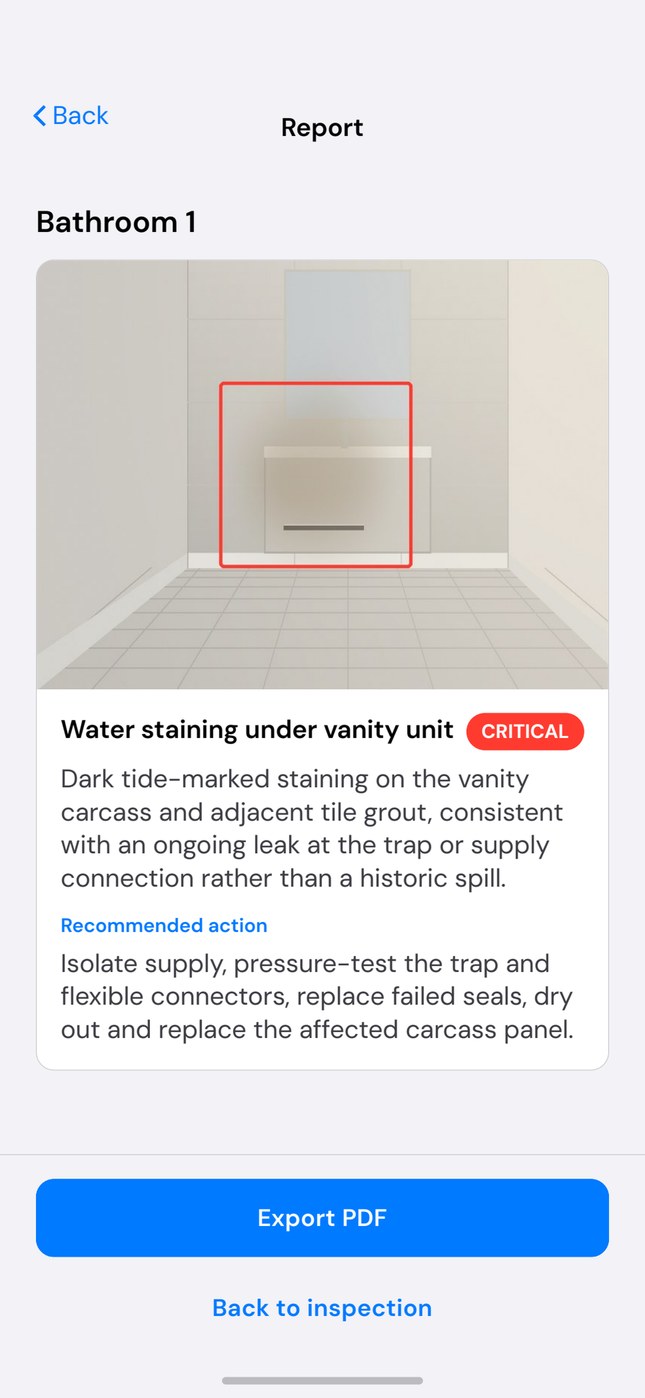
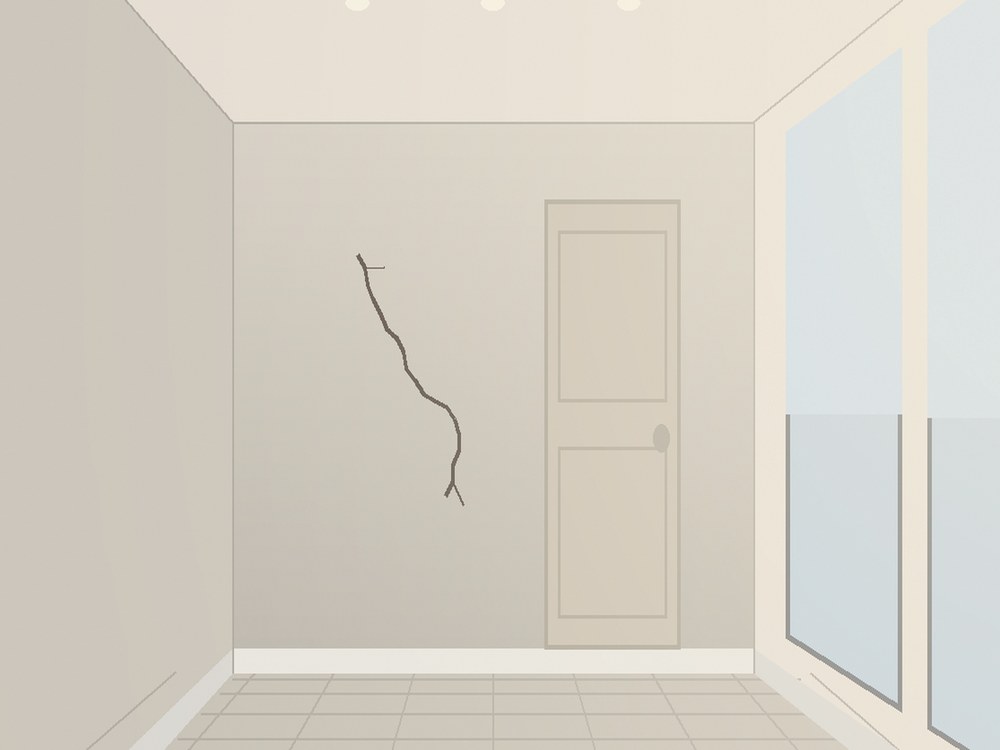
A box marks the crack, stain or gap. Easy to show the contractor what you mean.
Structra is AI-assisted visual inspection. It reports what is visible in the photos you take. It is not an engineer survey. You check every finding before you send the report.